Best AI Resume Builders in 2026: An Honest Comparison (From Someone Who Built One)
A no-fluff breakdown of the top AI resume tools — what they actually do, where they fall short, and who each one is best for.
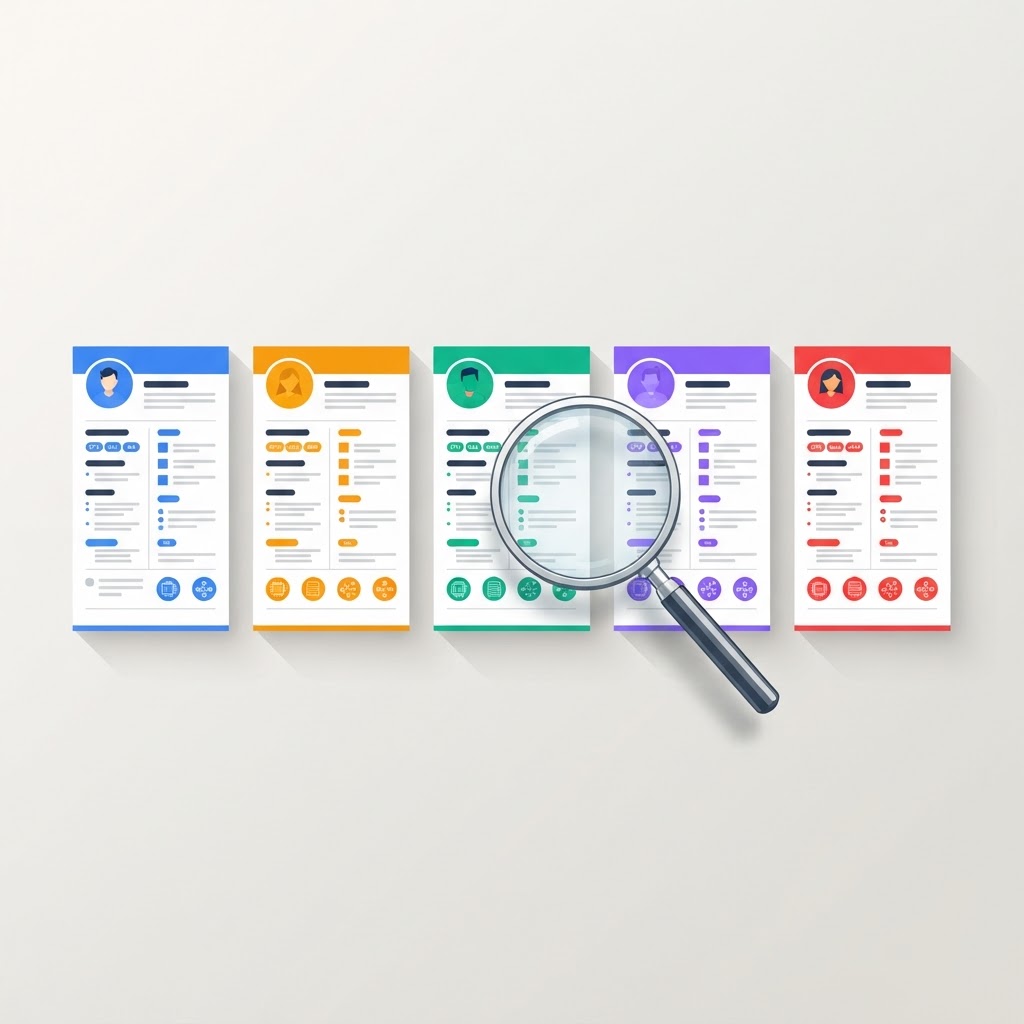
Six months ago I was a BI consultant with 12 years of experience and zero products. Today I run CVDraft.io — an AI resume builder I built because I kept seeing the same problem: AI tools that fabricate experience, invent metrics, and produce resumes that get candidates caught in interviews.
Building CVDraft.io forced me to study every major competitor obsessively.
What follows is the most honest comparison I can write — including where CVDraft.io falls short.
What You'll Learn
- •How the top AI resume builders actually work under the hood
- •Where each tool wins and where each one falls short
- •Which AI resume builder is best for your specific situation
- •The one feature most AI resume tools are missing entirely
- •How to evaluate AI resume tools without getting burned by hallucinations
- •A practical framework for choosing the right resume tool for your career stage
How We Evaluated These Tools
Each tool was assessed on five criteria:
Tailoring quality
Does it actually customise to the job description or just rephrase?
Hallucination risk
Does it invent metrics, skills, or experience you don't have?
Transparency
Does it show you what changed and why?
Cover letter quality
Does it produce something that sounds human?
Value for free tier
How much can you actually do without paying?
1. CVDraft.io
Built on a zero-hallucination principle — it only works with experience you actually have. Upload your resume, paste a job description, and it tailors your resume to that specific role while showing you exactly what was changed and why.
Best for: Job seekers who want full transparency and control over what AI changes, and professionals who have been burned by AI tools inventing things on their behalf.
Wins:
- Shows a complete "what changed and why" breakdown
- Cover letter generator produces 3 distinct styles — Storyteller, Direct Pitch, Eager Connector
- Resume Analyzer feeds directly into the Optimizer — fixes are targeted, not generic
- 15 free credits on signup, no card required
Falls short:
- Newer product — smaller template library than established competitors
- No LinkedIn profile import yet
- Brand recognition is still growing
Verdict: Best choice if honesty and transparency matter to you. You can try the Resume Analyzer free to see exactly what it would change on your resume.
2. Enhancv
One of the more polished resume builders on the market. Strong template design and a good user experience. The AI suggestions are helpful for structure but lean toward generic phrasing.
Best for: Professionals who want a visually strong resume and don't mind doing some manual tailoring themselves.
Wins:
- Beautiful templates
- Strong design customisation
- Good ATS formatting
Falls short:
- AI tailoring is surface-level — it rephrases rather than truly customises
- No meaningful "why did it change this?" transparency
Verdict: Great design tool, limited AI depth.
3. Zety
One of the most well-known names in resume building. Huge template library and a polished interface. The AI writing assistant helps with bullet points but doesn't truly tailor to job descriptions.
Best for: First-time resume writers who need structure and guidance.
Wins:
- Large template selection
- Easy to use
- Good for freshers
Falls short:
- Paywalled heavily — most useful features require a subscription
- AI feels more like autocomplete than genuine tailoring
Verdict: Good starting point but expensive for what you get.
4. Resume-Now
Fast and straightforward. Designed for speed — you can produce a resume quickly. AI assistance is basic.
Best for: Someone who needs a resume done in 30 minutes with minimal AI involvement.
Wins:
- Speed
- Simplicity
- Wide template range
Falls short:
- Very limited AI tailoring
- Generic output
- Heavy upselling throughout the experience
Verdict: Quick fix, not a strategic tool.
5. FlowCV
Clean, minimalist design focus. Free tier is genuinely generous. Not heavily AI-powered but produces well-formatted resumes.
Best for: Designers and creatives who want full control over resume aesthetics.
Wins:
- Best free tier among established tools
- Clean formatting
- Good PDF output
Falls short:
- Minimal AI tailoring
- No job-description matching
- Purely a formatting tool
Verdict: Best free formatting tool — not an AI resume builder in the true sense.
Quick Checkpoint
6. Kickresume
Strong AI writing features and a good template library. The AI can generate entire resume sections from scratch which is powerful but also raises hallucination risk.
Best for: Career changers who need help articulating transferable skills.
Wins:
- Strong AI writing
- Good design
- Useful career change features
Falls short:
- AI generates content freely — including things you may not have actually done
- No transparency about what was fabricated vs what came from your input
Verdict: Powerful but use with caution — review everything it generates carefully. If you want to understand why transparency matters so much, read our breakdown of 5 ATS myths that are killing your job applications — the same principle applies to AI tools.
The Feature Nobody Talks About: Transparency
Every tool on this list will change your resume. Most won't tell you what they changed or why. This matters more than it sounds.
When a hiring manager asks you about a specific bullet point in your resume — one the AI wrote — you need to know exactly where it came from and whether it accurately represents your experience.
CVDraft.io was built specifically around this problem. Every optimisation comes with an explanation. Every unchanged section is flagged too — and the reason it wasn't changed is shown. You stay in control.
Which Tool Should You Use?
- If you want full transparency and zero fabrication, choose CVDraft.io
- If you want beautiful design above all, choose Enhancv
- If you're a first-time resume writer, choose Zety
- If you need something done in 30 minutes, choose Resume-Now
- If you want the best free formatting tool, choose FlowCV
- If you're making a career change, choose Kickresume — but carefully
The right tool depends on what matters most to you: design, speed, cost, or honesty.
Final Verdict
There is no perfect resume tool. Every option on this list has genuine strengths.
What I'd ask you to consider is this: when the AI changes your resume, do you know what it changed? Do you know why? Can you defend every word in an interview?
If those questions matter to you, try CVDraft.io free — 15 credits on signup, no card required.
"When an AI changes your resume, you need to know exactly what it changed and why. If you can't defend every word in an interview, the tool failed you — not the other way around."
Recruiter's Advice
"When an AI changes your resume, you need to know exactly what it changed and why. If you can't defend every word in an interview, the tool failed you — not the other way around."
Key Takeaways
- CVDraft.io is best for transparency and zero fabrication — it only works with experience you actually have
- Enhancv wins on design but its AI tailoring is surface-level
- Zety is good for first-time resume writers but heavily paywalled
- Resume-Now is fast but generic with heavy upselling
- FlowCV has the best free tier but minimal AI tailoring
- Kickresume has strong AI writing but high hallucination risk — review everything carefully
Frequently Asked Questions
Test Your Resume Against a Real Job Description
Upload your resume and paste a job description — get an instant ATS match score, keyword gaps, and actionable fixes.
Analyze My ResumePut This Into Practice
Analyze My Resume
Compare your resume against a real job description and identify ATS keyword gaps.
Go to Resume AnalyzerGenerate My Cover Letter
Create a tailored cover letter that matches your resume and target role.
Go to Cover Letter GeneratorContinue Your Journey
You have completed
✔ 📘 Resume Intelligence Chapter 5
Continue with
➡ 📘 Resume Intelligence Chapter 6
Storyteller, Direct Pitch, or Eager Connector — Which Cover Letter Style Sounds Like You?
Original Concepts Notice
This publication contains original concepts, frameworks, terminology, and educational models developed as part of The CVDraft Framework™.
Names such as The Authenticity Ceiling™ and other CVDraft Framework™ concepts are original CVDraft brand terminology and should always be presented consistently.
© CVDraft. All Rights Reserved.